 HIIT Timer
40 on. 20 off. Thirty times.
A tiny interval timer for your Mac. It floats above whatever you're watching, beeps when it's time to switch, and keeps the countdown in your menu bar.
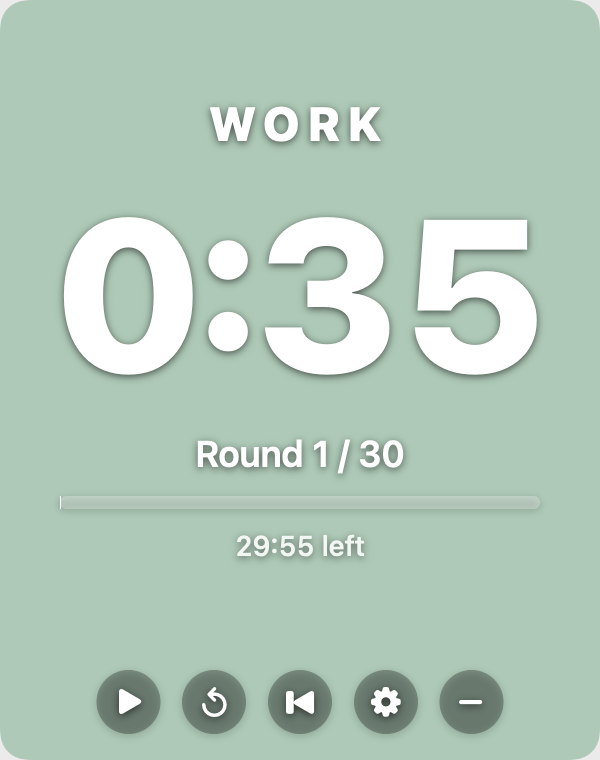
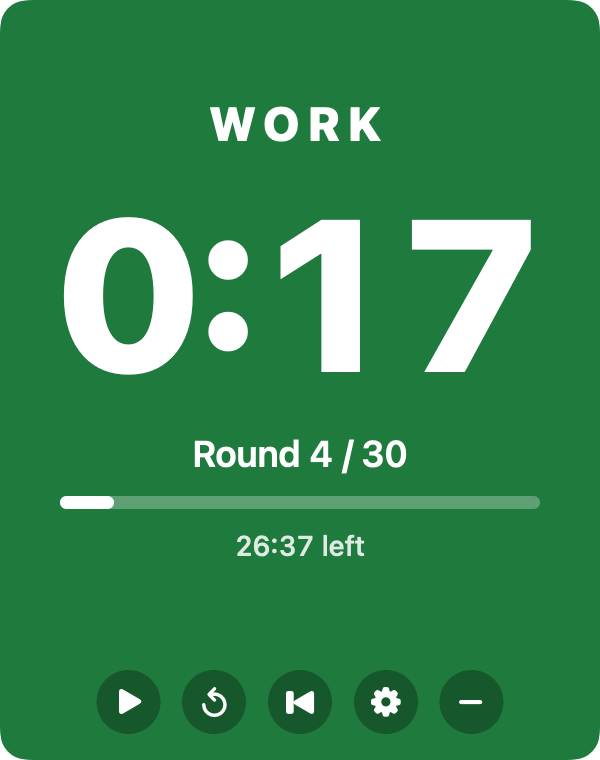
Floats on top
Stays above your video, browser or spreadsheet. Drag it anywhere, resize it, and the numbers scale.
Fades out of the way
Turn up transparency and only the background fades. The countdown stays sharp.
Lives in the menu bar
Phase, time and round, live: ● WORK 0:23 · 4/30. Start, pause or restart from there.
Redo the rep
Lost a few seconds? The loop button restarts the current rep without touching the rest of the workout.
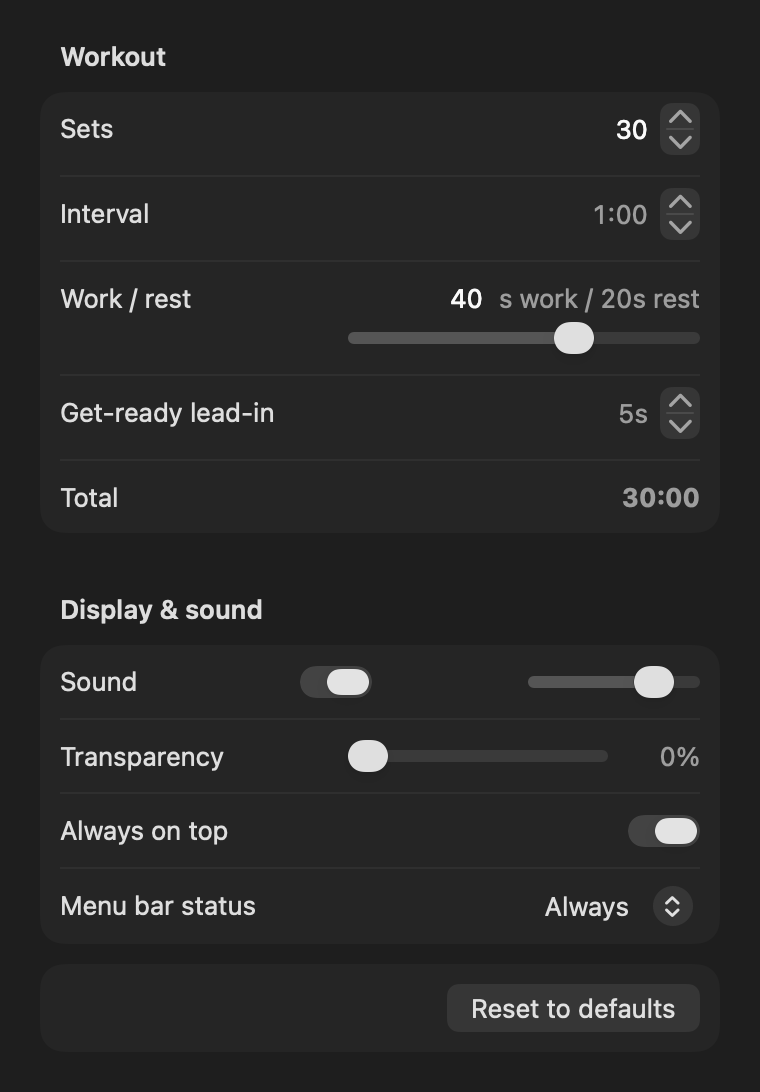
Your workout, your numbers
Defaults are 30 rounds of 60 seconds, split 40 work / 20 rest, with a 5-second lead-in. Change any of it: sets, interval length, the split, the lead-in, sound and volume. The total updates as you go.
Space start/pause · R restart rep · ⌘R reset · ⌘, settings
Installing
HIIT Timer isn't notarized by Apple yet, so macOS can't verify it the first time you open it.
- Open the download and drag HIIT Timer into Applications.
- Open it. When macOS warns you, close the warning.
- Go to System Settings → Privacy & Security, scroll down and click Open Anyway.
You only do this once.